An intuitive interface waypoint planner made for roboticist
Janky interfaces and complex data can cost a business millions of dollars. Which will cause churn for users and drive potential customers away. Check out the design process of designing an interface for a top robotics company.

Role + Team
Project type
Deliverables
Interface design
Information design
Trombia Technologies is a maker of autonomous street cleaners. The autonomous sweeper is available in over 8 countries. It gives companies a sustainable, electric-powered option for street cleaning. It uses 85% less energy and 95% less water, making
it much more efficient.
The Formant app or web application allows clients to monitor, analyze, and operate their device autonomously or in person. Users can create a workflow in the app to simplify their tasks.
We discovered that, while users love to use our platform to configure their own workflow, sometimes their workflow becomes janky and has a bad user experience for a non robotic user. There is a common misperception among our customers; they tend to think all users and their end are fluent in robotics and complex data.
The core at a glance
The challenge was easy to understand. Take their complex data, janky interface and fragmented workflow and redesign it into an intuitive interface for roboticist and non-robotic users.
The solution was to make sure that Janky interface and Workflows should be intuitive by both personas, complex data should be simplified and easy to understand
Take complex data into easy to understand information to empower users in completing tasks and reducing customer churn.
Design a beautiful, simple and actionable interface for users workflow.
Formant business perspective
Good customer partnership and support is important when it comes to users and our product. To make sure we are improving our product and keeping relationship. We welcome feedback and opportunity for customers to voice their pain and request.
Keeping our ethics in mind. When there is a request and it meets our timeline. We tackle the problem by discussing gong calls, messaging, and calls. This helps us align on our goals. To make sure we are both happy, we make sure to meet both the business and the customer.
Business goal
Support customer in design request to help strengthen relationship and partnership and adapt this tool as a feature adaptation.
Design an intuitive interface to help customers accomplish their task.
A team of 1's
Working alongside two talented senior designers, I was given the opportunity to lead this project and drive the solution from concept to delivery. Our team included myself as the lead designer, a project manager, and an engineer.

The process
Understanding
Researched users and their context to understand the desired workflow and compare it to Trombia workflow to weed out any misalignments.
I designed solutions that removed blockers and made the experience easier for users to understand and complete.
Designing
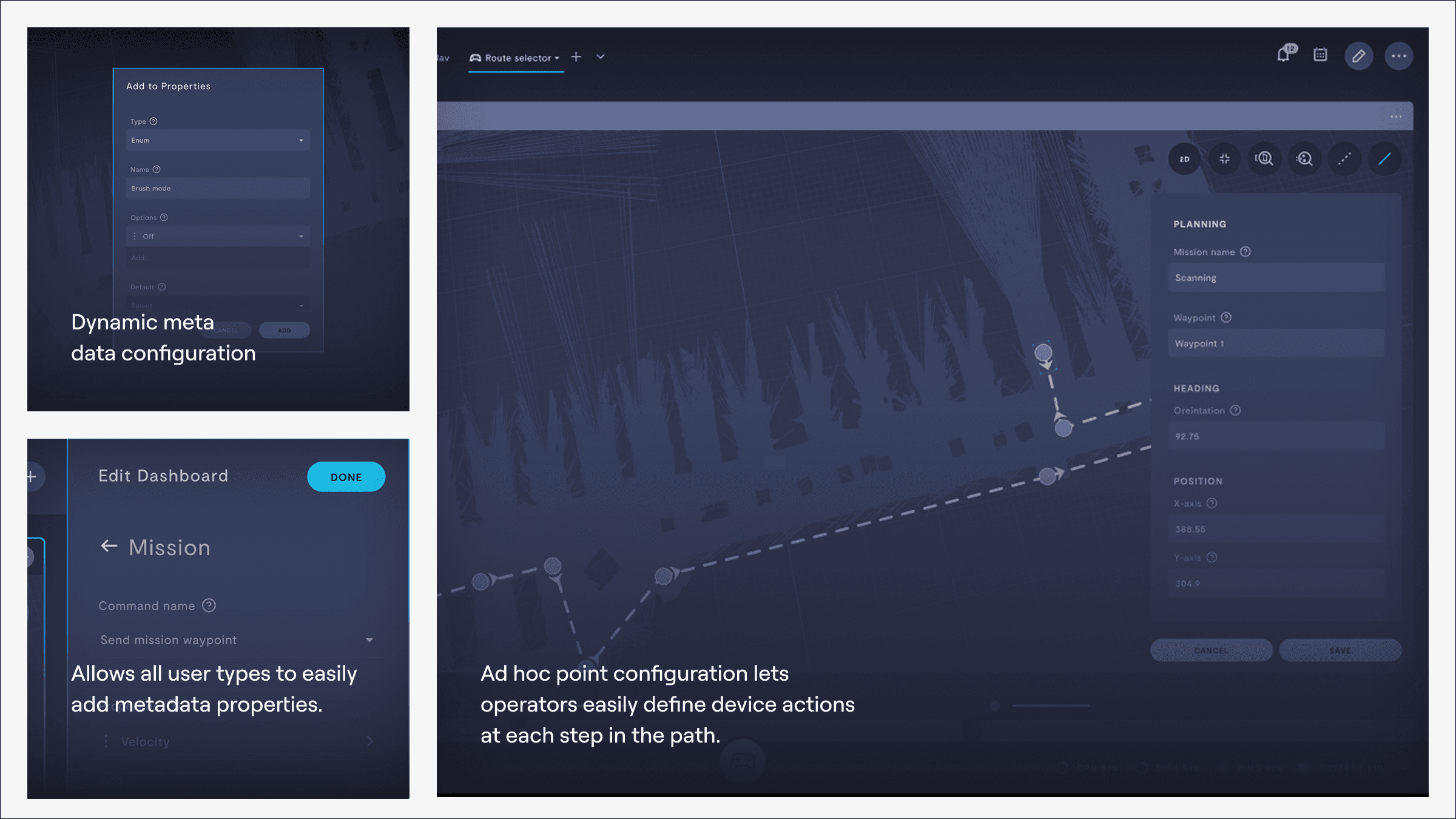
Visual design was essential to this project. I used color layering to establish clear hierarchy and kept everything aligned with the existing design system for consistency. I added visual cues, feedback, and micro-interactions to guide users and make the experience more intuitive. I focused on balance, contrast, alignment, and accessibility to ensure the interface was clear, cohesive, and easy for anyone to use.
The outcome
The new design replaced the fragmented system/workflow and complex data with a unified intuitive interface and easy to understand data configuration for users. The new interface streamlined configuration and added real-time feedback and made the system for reliable and scalable.
Streamlined interface
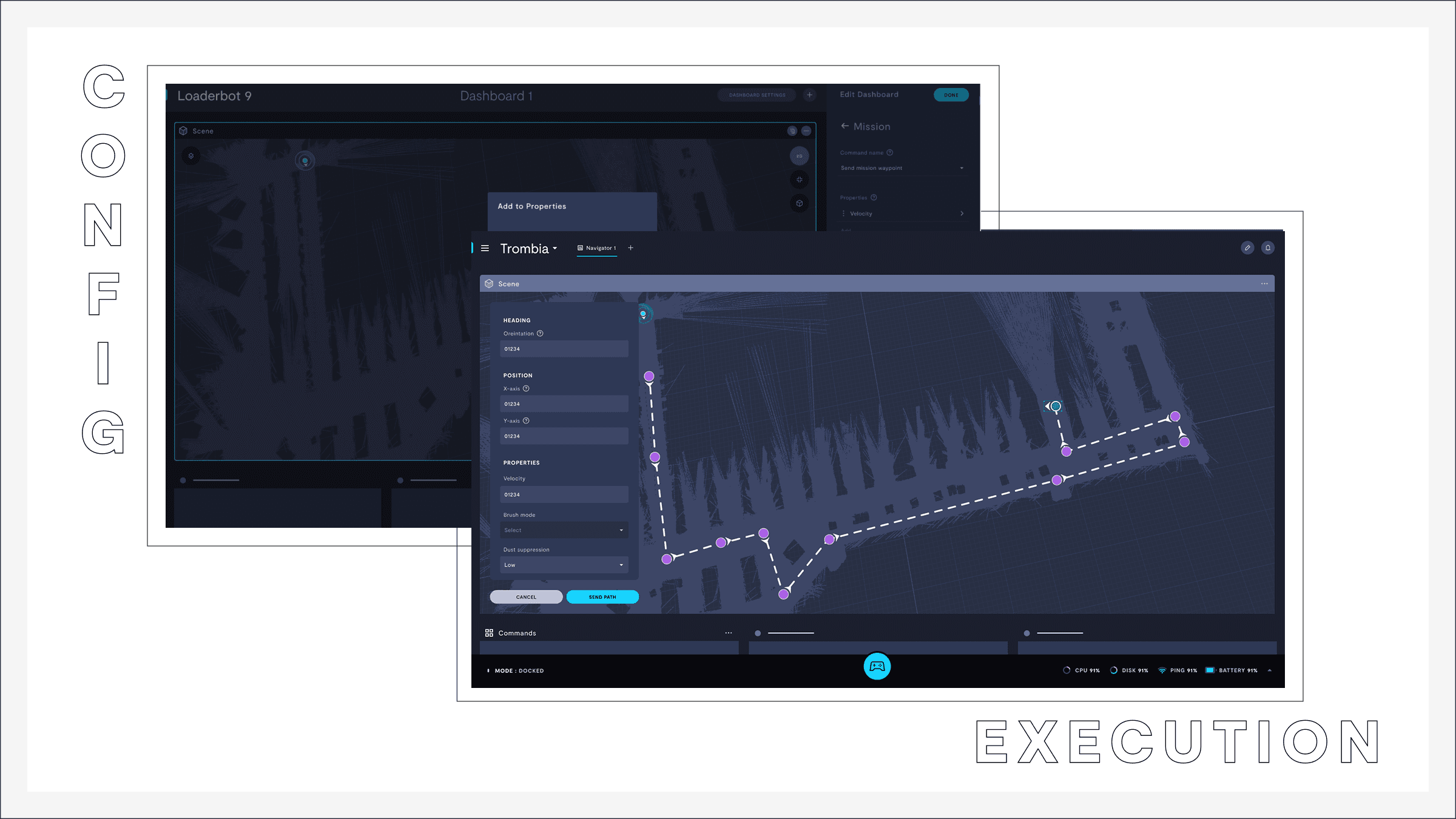
A streamlined, immersive interface for configuring missions and placing waypoints visually on our 3D module.
Feedback
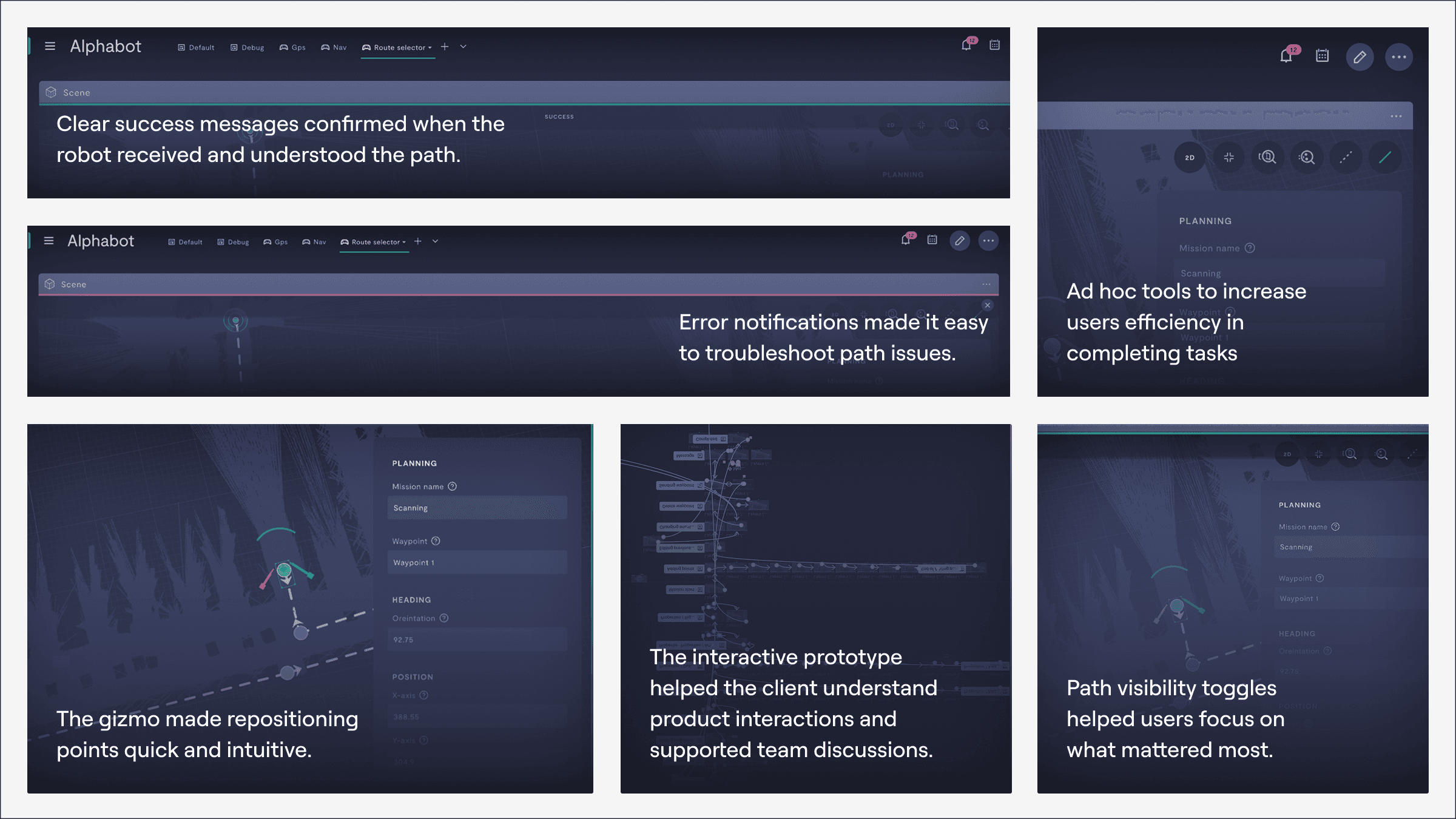
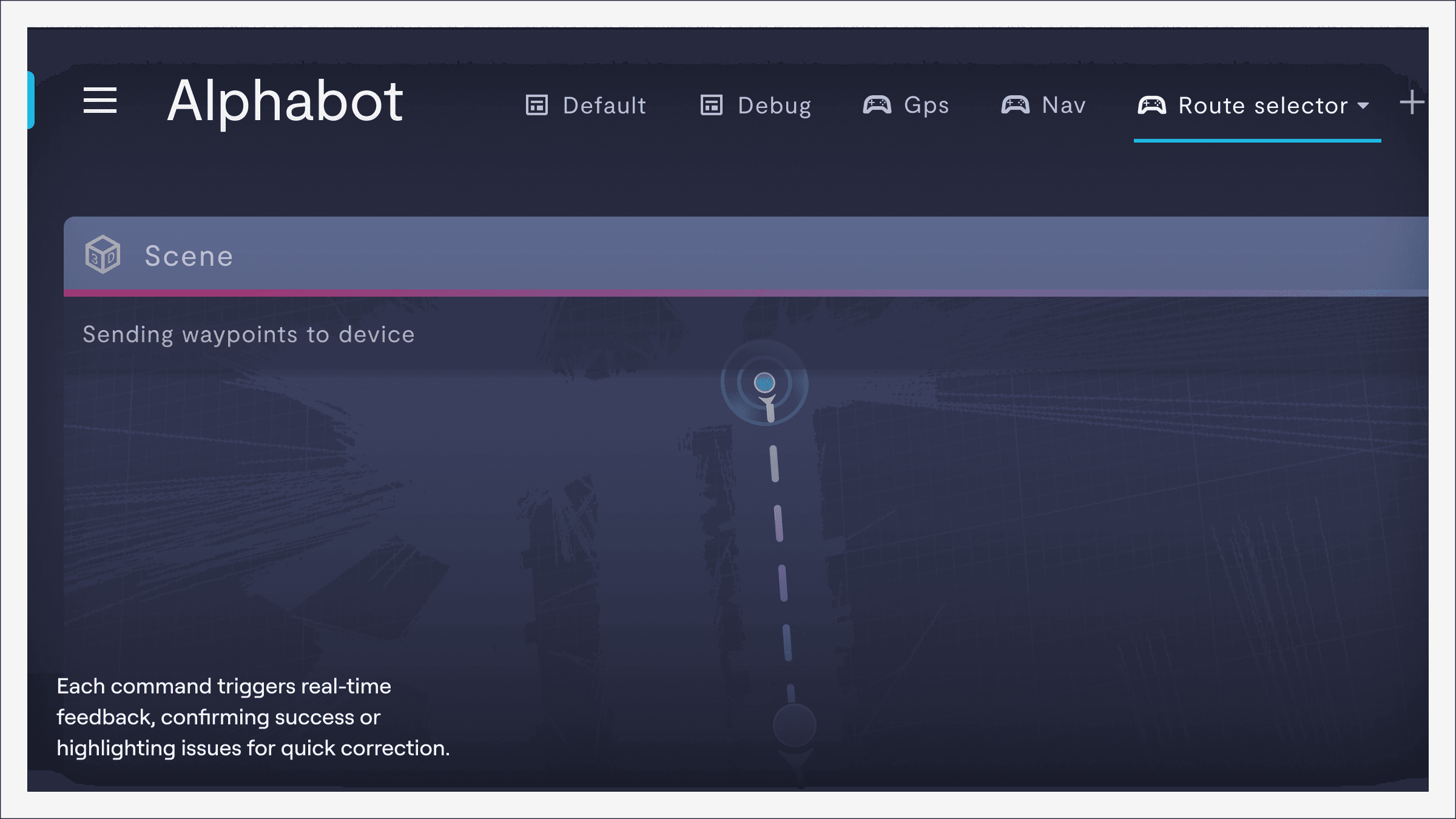
Clear confirmation and error feedback, reducing user frustration and uncertainty during critical tasks
Feature adaptation
Broader adoption across multiple companies, proving the design’s scalability and utility beyond the initial client.
New tool
Introduction of a gizmo tool for easier waypoint editing, enhancing usability and reducing reliance on side panels
Labeling matters
Understanding the user’s mental model is crucial when creating naming conventions. An operator trained to move a robot from point A to point B may not understand terms like boolean or floating point. Choosing the right labels matters because it shapes how users navigate the interface and directly impacts their overall experience.
Hate contact forms?
Email me at
Owusu.kusi.vxd@gmail.com
Follow me on